Lead Triage Brief Generator for Law Firms
Firms that respond within an hour convert far more leads, but solos have no triage staff, so qualification happens under pressure. Drop intake notes into a folder and this skill drafts a one-page brief: parties, dates, matter-type suggestion, urgency flag, open questions, and a recommended next step. A suggestion, never an auto-decision. Free, yours to keep.
Install it
In Claude
- Keep the .zip as it is. Claude installs the whole file, so there is no need to unzip it.
- In Claude Desktop, open Customize, then Plugins, choose Add plugin, then Upload plugin, and pick the .zip.
- Start a new chat and type / to check the skill is listed.
- Try it on one real example before you rely on it.
In ChatGPT
- Plugin uploads need ChatGPT Business, Enterprise or Edu, and your workspace admin has to allow them.
- Keep the .zip as it is. ChatGPT takes the whole file, so there is no need to unzip it.
- In ChatGPT, open Plugins in the sidebar, choose Upload, and pick the .zip.
- Wait for the upload check to clear, then start a new chat and @-mention the skill, or simply describe the task.
How it works
- Provide the intake material — Add the intake notes, email thread, or relevant documents.
- Generate the triage brief — The skill organizes the information into parties, dates, matter type, urgency, open questions, and a recommended next step.
- Review the draft — Check the brief for accuracy and address any missing information or [NEEDS: ...] placeholders.
- Refine and confirm — Provide corrections or additional information to update the brief before using it as your working internal note.
Compliance: assisted draft, always reviewed
This drafts from the input you supply. It never sends or files anything, never invents facts you didn’t provide, and carries a hard-coded “Not legal advice — review before use” disclaimer on every output.
What’s inside
- Lead-triage skillAttach intake notes, an email thread, or uploads, and it drafts a one-page brief.
- Structured briefParties, dates, a matter-type suggestion, an urgency flag, and open questions.
- Recommended next stepCall, retain, decline, or refer, as a suggestion for you to confirm.
- 3-minute setup guide + LoomAttach a folder, run the skill. That is it.
✓ Works great when
- You triage leads yourself with no intake staff
- You want a fast, structured read on a new lead
- You want a suggested next step, not an automatic decision
✗ What breaks at scale
- You want an always-on intake pipeline, not one-at-a-time
- You need conflict-checks and CRM write-back
- You want automated routing and first-response messaging
Frequently asked
What do I need to run this?
Claude with Cowork. Install the skill, attach a folder with the intake notes, and run it. No coding.
Does it accept or decline leads for me?
No. It drafts a brief and suggests a next step. It never auto-assigns, auto-accepts, or auto-declines. Every intake decision stays with you.
Is triage a form of legal advice?
No. It organizes intake facts and suggests an operational next step. It is not legal screening advice, and it carries a visible review-before-use note. You make the call.
Can you build the full intake pipeline?
Yes. The free skill handles one lead at a time. An always-on pipeline with conflict-checks and CRM write-back is a Quick-Win Build, from $1,500, typically live within a week.
Want the version built for your firm?
Done-for-You Build.
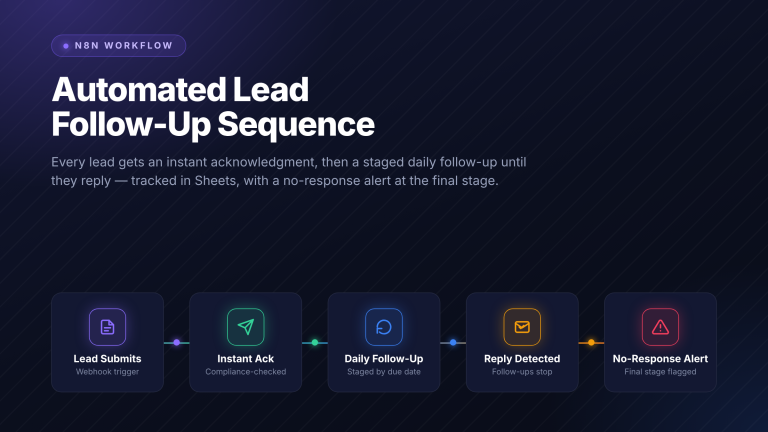
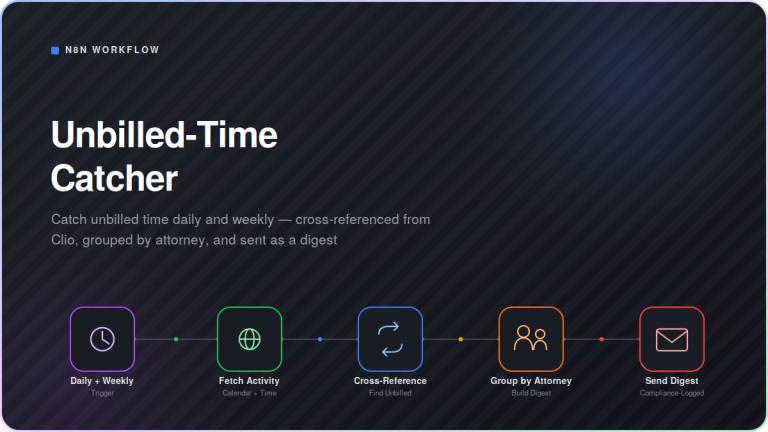
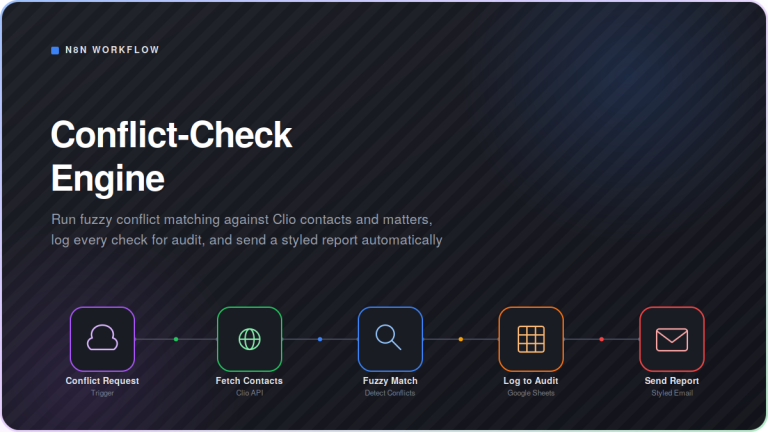
The free skill briefs one lead on demand. When you want an always-on pipeline that triages, routes, and responds with conflict-checks and CRM write-back, that is a Quick-Win Build. We build the pipeline and hand it back tested.
What you get
- An always-on intake pipeline that triages every lead
- Conflict-checks and CRM write-back on each lead
- Automated routing and first-response messaging
- Every accept or decline stays a human decision